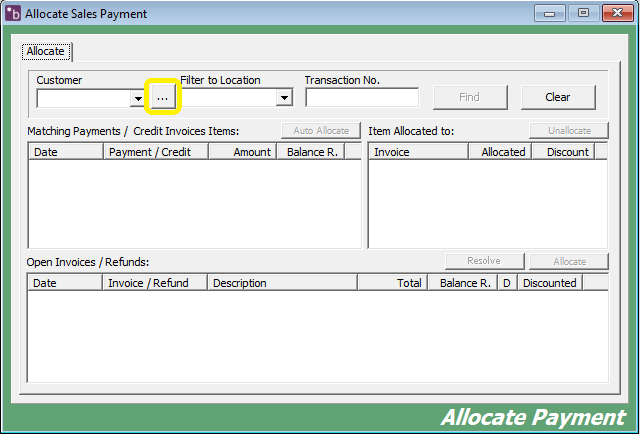
1. Double click on 'Customers' and then 'Allocate Payment'.


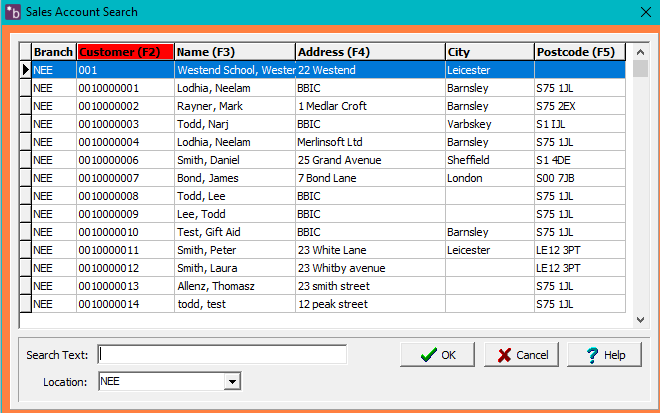
2. Select an account by clicking on the 'Ellipsis (…)'. Select the customer and click 'OK'.
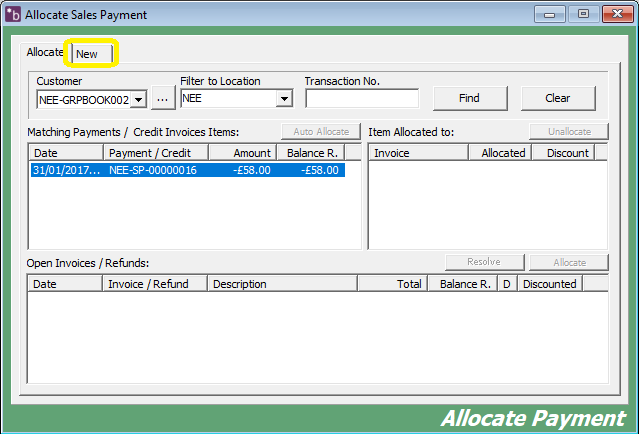
3. Click on the 'New' tab at the top.
4. Click on 'New Refund'.
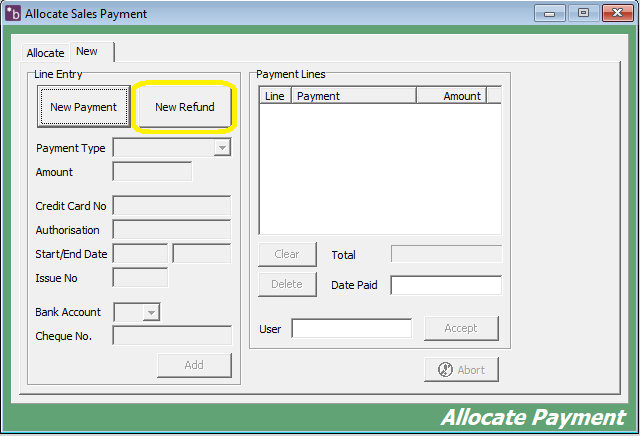
5. Select the 'Refund Type' and enter in the relevant details and click 'Add'.
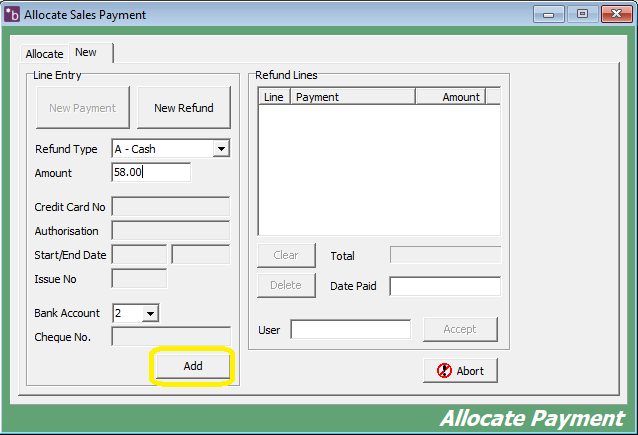
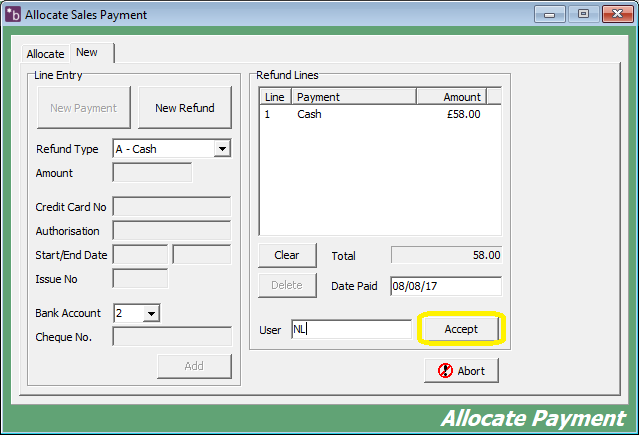
6. The refund will show on the right hand side in the 'Refund lines' box. Fill in the 'Date Paid' box and the 'User'. Click 'Accept'.
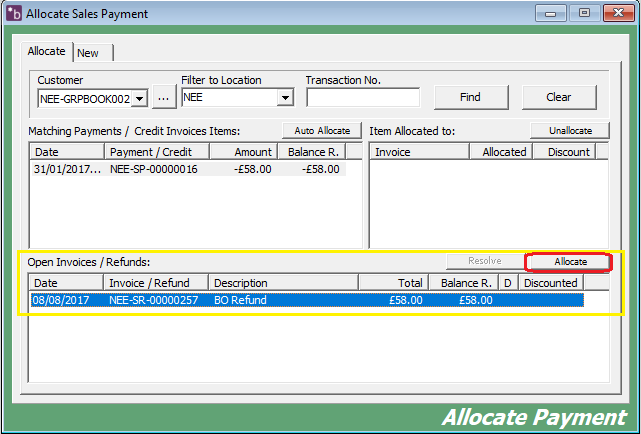
8. Once you have done this, you will need to allocate the refund. After clicking accept it will take you to the 'Allocate' tab. At the bottom where it says 'Open Invoices/Refunds:', select the refund you have made and click on 'Allocate'.
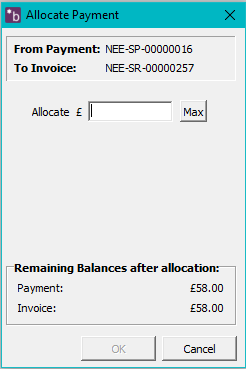
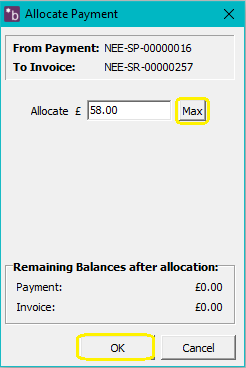
9. An 'Allocate Payment' window will open. Click on the 'Max' button and then click 'OK'.
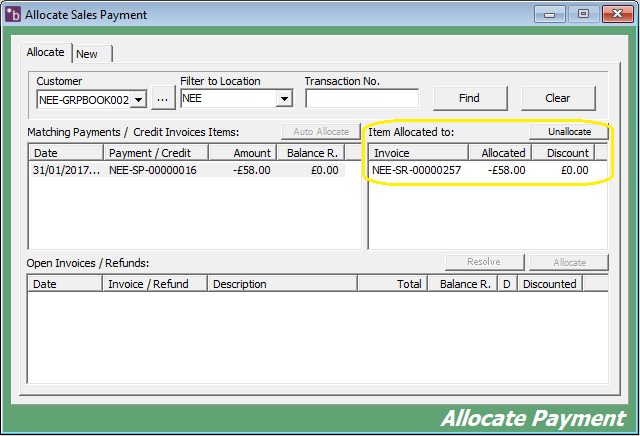
10. You will now be able to see the refund has been allocated and this will now be balanced in the reports.
0 Comments