This is for users with admin access to Merlin Tickets. You can access the admin area by viewing your website (e.g. https://merlindemo.merlintickets.co.uk) then adding /admin to the end of the URL (e.g. https://merlindemo.merlintickets.co.uk/admin)
On the occasions where your customer cannot provide their ticket details, you have the ability to look them up online.
To find order information, navigate to Orders > All Orders on the left hand navigation bar.
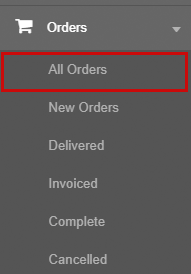
Here you will need to search for the user on the left hand search box.


On the search bar you can find user details using multiple forms of data. This could be: the name of the person who made the order, the order number, their address (i.e. postcode) or their e-mail.
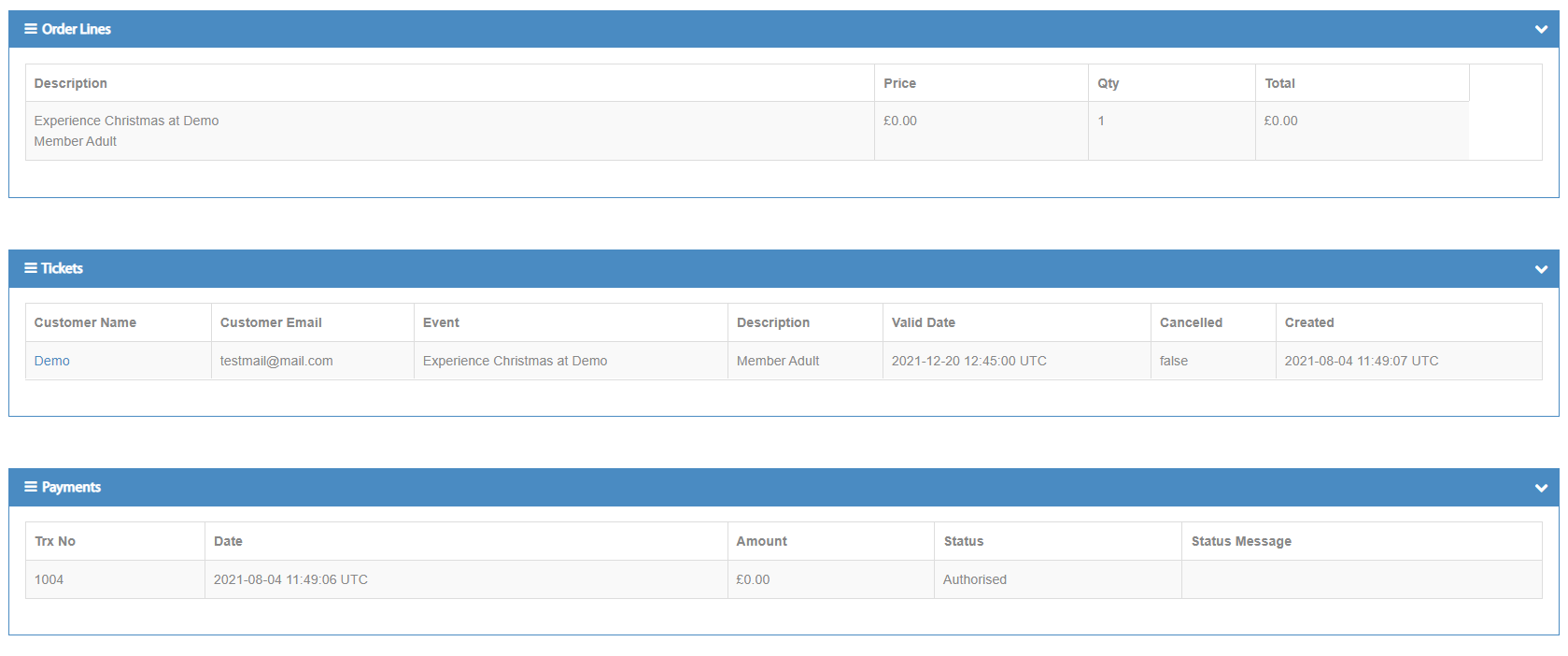
Once searched, a list of all known tickets will be displayed. To see more information on an order, click the order number which will display more information on that specific order.
Information on each order includes: price, contact details, the ticket type, what event it is, the barcode associated with the ticket (which can be used to paste into the "redeem tickets" option), the date and time it was purchased etc.
0 Comments