This is for users with admin access to Merlin Tickets. You can access the admin area by viewing your website (e.g. https://merlindemo.merlintickets.co.uk) then adding /admin to the end of the URL (e.g. https://merlindemo.merlintickets.co.uk/admin)
Sometimes your customer may not be able to find their confirmation e-mail with their tickets attached. Sometimes they may have been misplaced or accidentally deleted. On this occasion you can re-send the e-mail using the Merlin Online orders section.
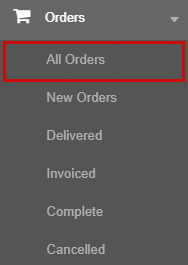
To do this you should navigate to "Orders > All Orders" on the left hand navigation.
Here you will need to find the user by searching for the order number, date purchased, postcode or the customer's name.
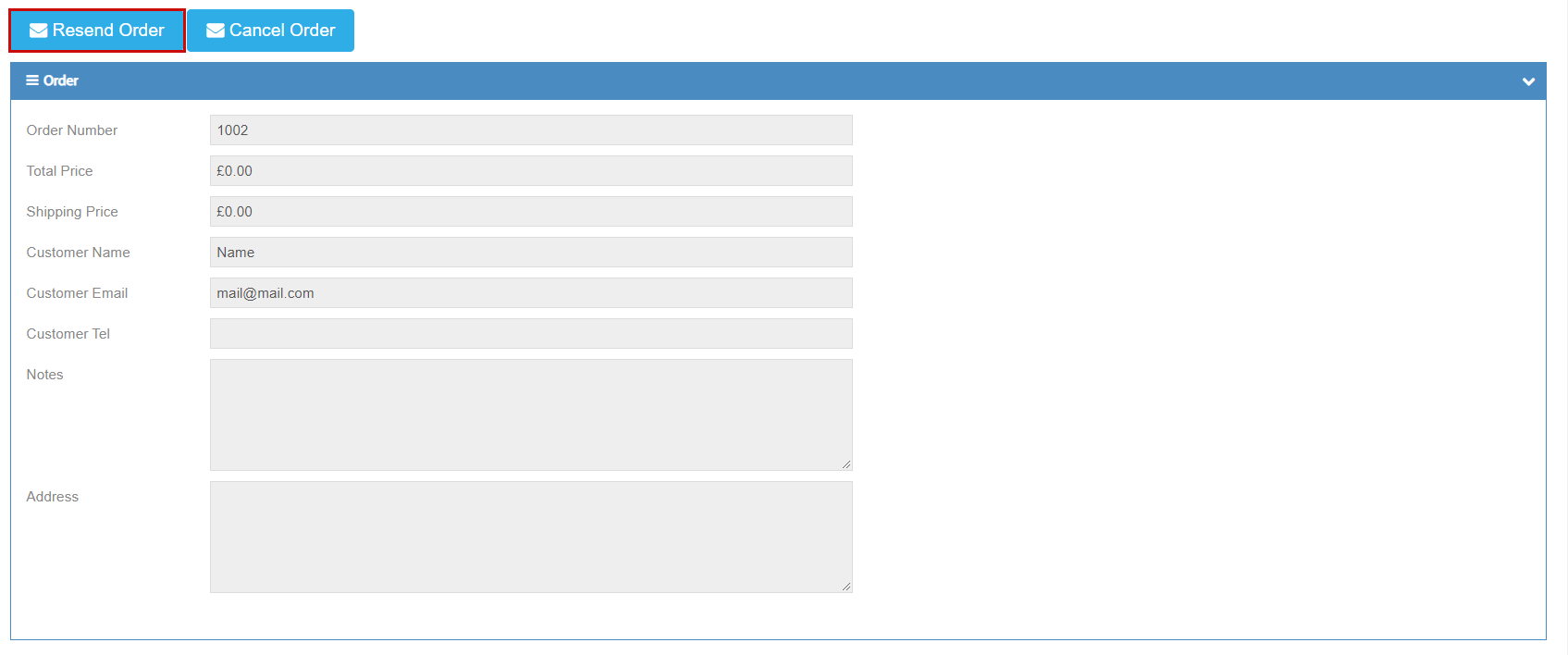
Once located, click on the order number to see order details.
Once you have confirmed that this is the correct order, you can click  Which will re-send the email including the attached ticket to the e-mail which the customer had registered with when purchasing the ticket.
Still need some help? Contact us on +44(0)1226 294413
0 Comments