This is for users with admin access to Merlin Tickets. You can access the admin area by viewing your website (e.g. https://merlindemo.merlintickets.co.uk) then adding /admin to the end of the URL (e.g. https://merlindemo.merlintickets.co.uk/admin)
In this article we will be showing you how to configure/add a user and change the password of a user in the event that they would like to change it.
if it so happens that there is only one admin user for your website and the password for that user is forgotten, you will have to contact us requesting for a password change, in which case we will provide you with a temporary password giving you access to the admin area for you to recover the account.
If you do have access to an admin account (via the admin area) and would like to change the password of other users or simply change that account's password, you firstly must be logged into the admin area.
Which looks like so: 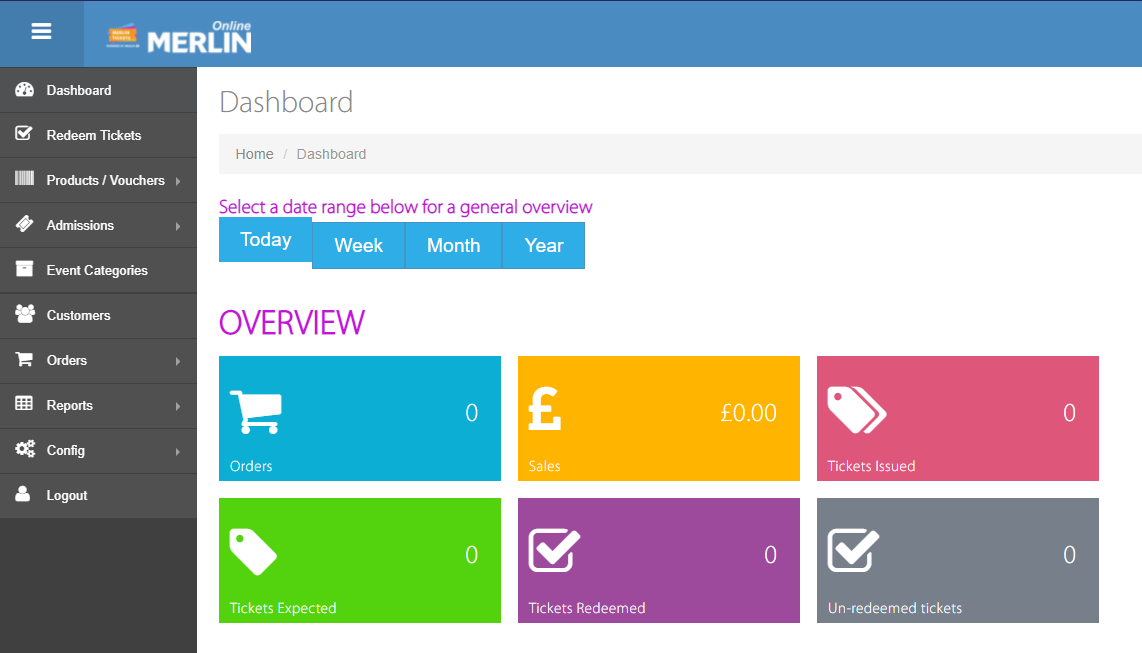
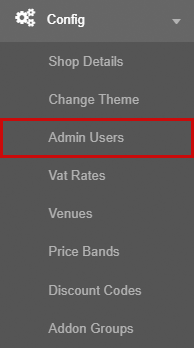
Then you need to access the 'Config' drop down menu on the left

You will now be welcomed to more option tiles, you should look for the tile titled 'Admin Users' and click it
This will direct you to this page:
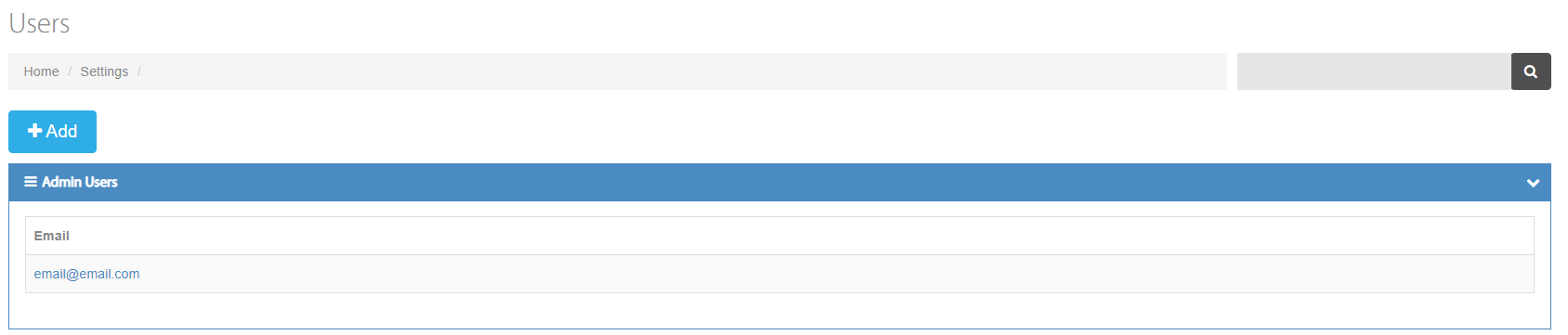
This page allows admin users to add more/configure users. They can also look up all the users added and their current permissions.
These are the different access levels available in Merlin Online:
Admin: The admin user has access to all available features in Merlin Online and has permission to configure the website, the venue and add users to the system.
Setup: The Setup user has the same options as the admin user (i.e. Event creation) except the Setup user does not have access to the 'Config' tile, meaning they cannot add users, change themes, etc. This will likely be given to employees who do not have permission to the setup of the website/venue but do need to create events and configure them.
General: General users do not have access to the 'Products/Vouchers' option, the 'Admissions' option, the 'Event Categories' option and the 'Config' option but they do have access to the rest of the options/settings. The General user would most likely be given to accountants/finance managers as they would have access to the events calendar, orders system and the reports system without access to event creation.
Redeem Only: Redeem Only users only have access to the dashboard and the 'Redeem Tickets' option. These permissions would possibly be given to the people operating the tickets on-site. Such as cashiers or front desk.
Note: If you wish to remove one of your existing users from your Merlin Online admin area, you may contact us via the contact number provided below or the support e-mail and we will remove the users you specify.
To change the password of one of the users' account, you click on the user account you want to change as such
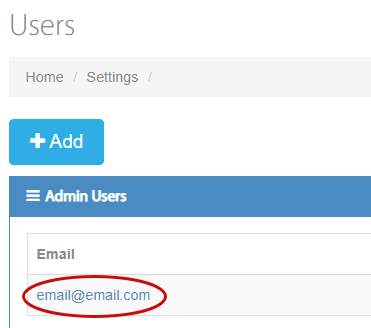
Which will prompt you with a menu as such:
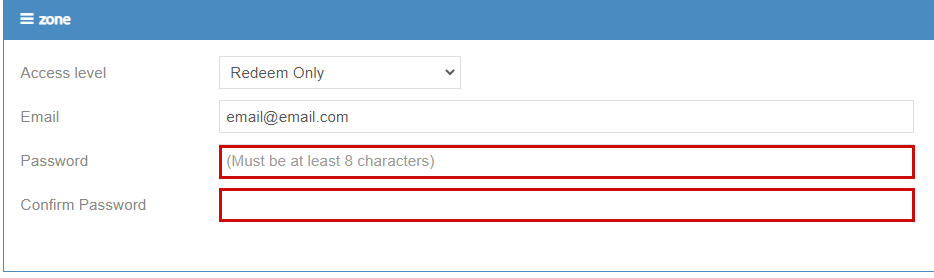
In here you can enter the password you would like this user to have and also alter the access level of each user.
After, click the  button on the top left side of the container in which you configured the user and your new password will now be saved!
0 Comments