This is for users with admin access to Merlin Tickets. You can access the admin area by viewing your website (e.g. https://merlindemo.merlintickets.co.uk) then adding /admin to the end of the URL (e.g. https://merlindemo.merlintickets.co.uk/admin)
In this article, we will show you how to add your own contact details onto your .merlintickets
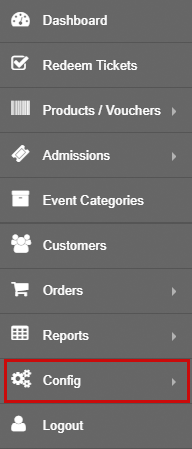
First off, you should be logged into your .merlintickets admin area, on the side-bar go to Config:
Then, go to 'Change Theme':
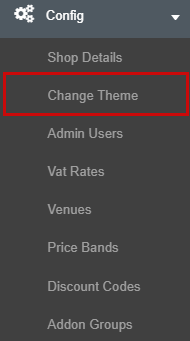
This will direct you to the 'Theme Settings' page, on there, navigate to the 'Contact Us Details' tab:

Here you will see the same text box as the event description box (To learn about all the features found on the text editor check this article out: Making Your Event's Description More Eye-Catching):
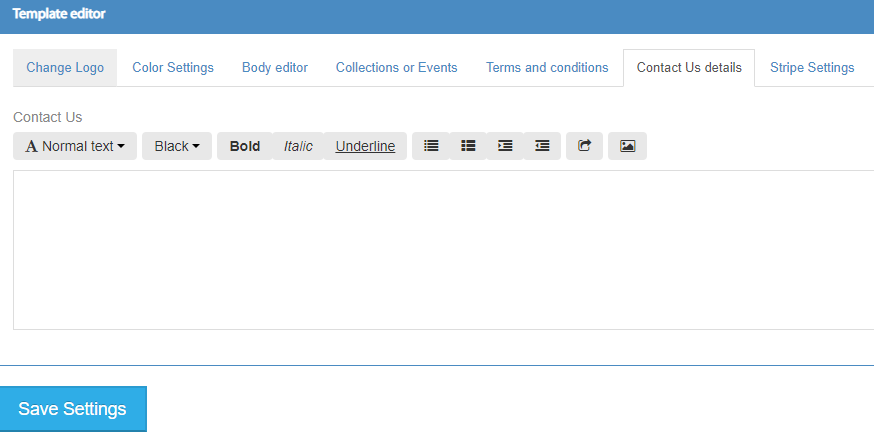
In this text box you typically place: Contact phone number, e-mail address, building/venue address
After you have added the text you would like to include in this box, make sure to click 'Save Settings' below the text box to confirm your edits.
To verify your additions, go to your .merlintickets website, scroll down to the footer of the page and click this:
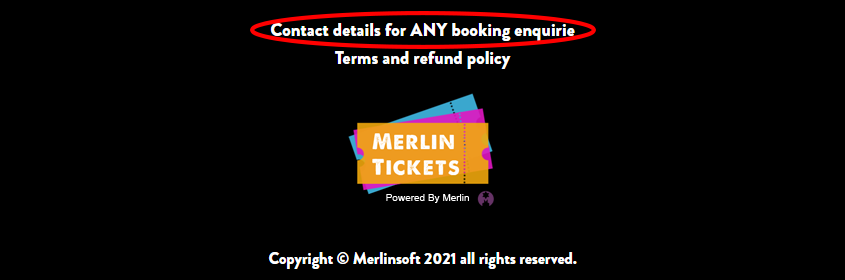
This will direct you to your website's contact details page. Found below is an example of a contact details page I have created:
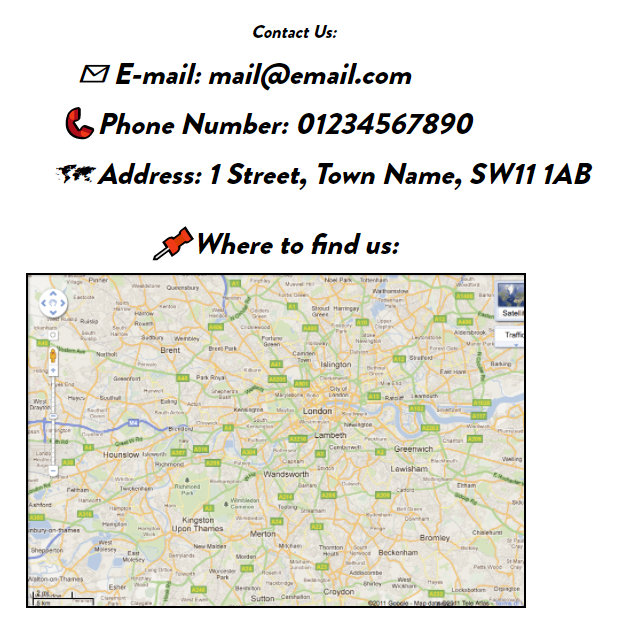
That is all you need to create a compelling and helpful 'contact us' page!
Still need some help? Contact us on +44(0)1226 294413
0 Comments