This is for users with admin access to Merlin Tickets. You can access the admin area by viewing your website (e.g. https://merlindemo.merlintickets.co.uk) then adding /admin to the end of the URL (e.g. https://merlindemo.merlintickets.co.uk/admin)
Merlin Online gives you the ability to to check the validity of a ticket purchased online and presented at your event. To do this, simply click the "Redeem tickets" menu from the left navigation menu. As so:
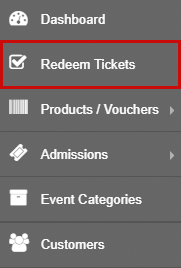
You will be redirected to the page containing the text fields, as so:
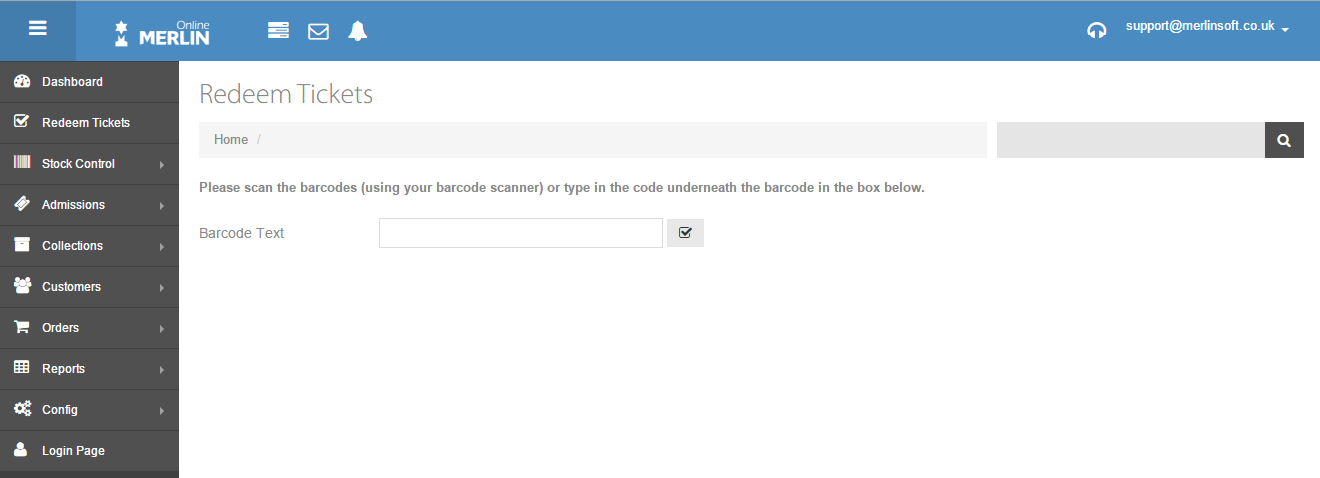
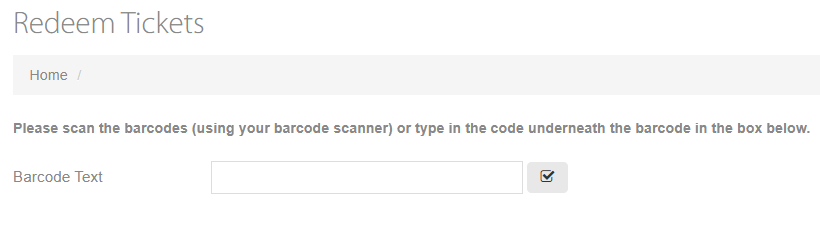
Here you will need to type in the barcode text which should be clearly shown on each of the tickets purchased. Example shown below:
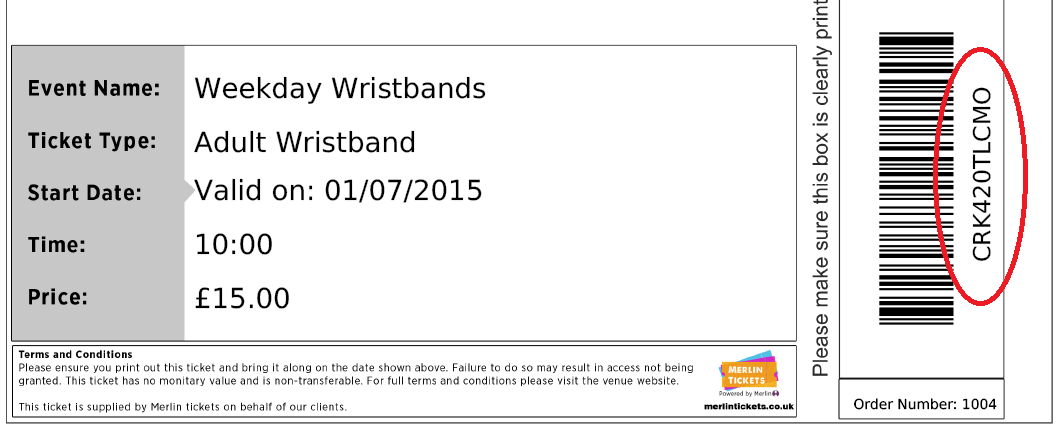
Tickets are e-mailed to your customers. These should be printed out or shown on mobile devices. In the event that a customer has not brought their ticket, you can look up an order and barcodes by following this guide: Finding order details.
Once you have located your barcode, Simply type it in to the box provided and hit Enter or click the checkbox next to the text field.
You will be given a redemption message, The green message shows a successful redemption and validation that the ticket hasn't been used before and is confirmed as a ticket created using Merlin.
Red will show that the ticket doesn't exist or has previously been scanned.
You can also scan your barcode using a barcode scanner if you have one. Simply click on the box and use your scanner.
Still need some help? Contact us on +44(0)1226 294413
0 Comments