This is for users with admin access to Merlin Tickets. You can access the admin area by viewing your website (e.g. https://merlindemo.merlintickets.co.uk)then adding /admin to the end of the URL (e.g. https://merlindemo.merlintickets.co.uk/admin)
In this article we will be showing you how to take sessions you do not want for sale and put them offline (restrict them from selling)
To start off, you should be logged in to the Merlin Online admin area
Then go to Admissions:
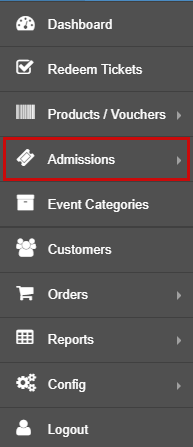
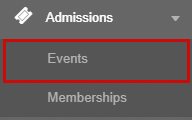
You should see a drop down menu under the Admissions tile, click Events:
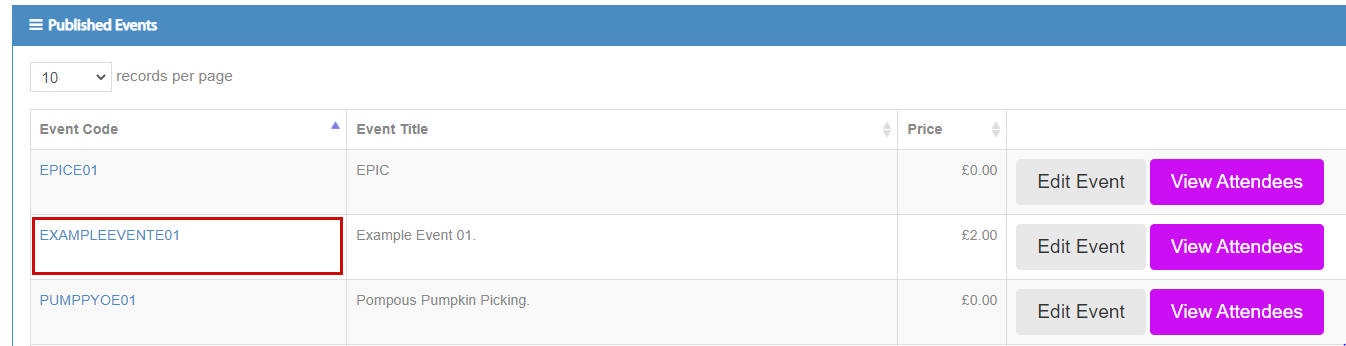
You should now be re-directed to the events page and there you should pick one of your existing events (note: If you do not have an event, check this article: Creating an Event, Adding Tickets & Selecting Dates):
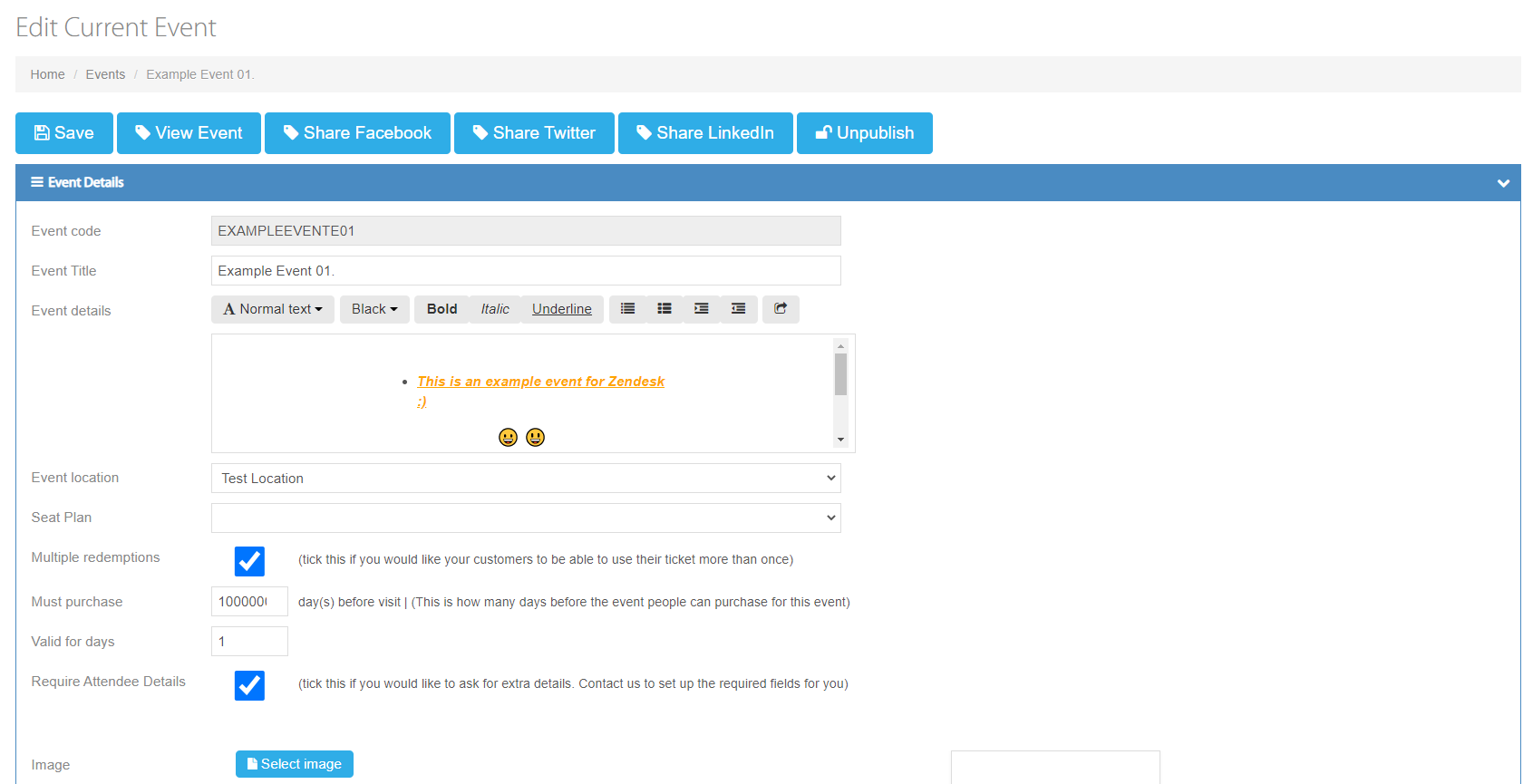
Once you have picked the event you would like to make sessions unavailable on, you should be directed to the 'edit event' page, as such:
On this page, scroll down to 'Sessions':
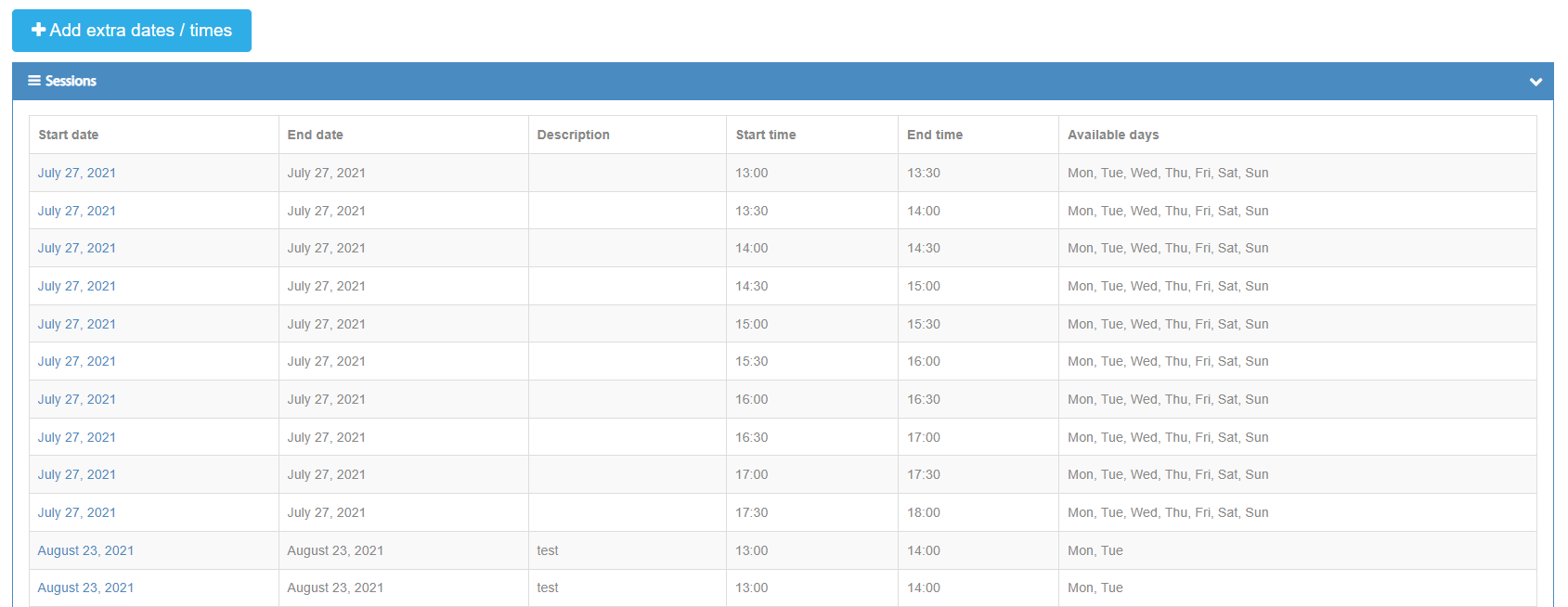

Pick the live session you would like to remove from online, once clicked you will be directed to the 'edit session' page:
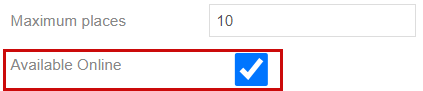
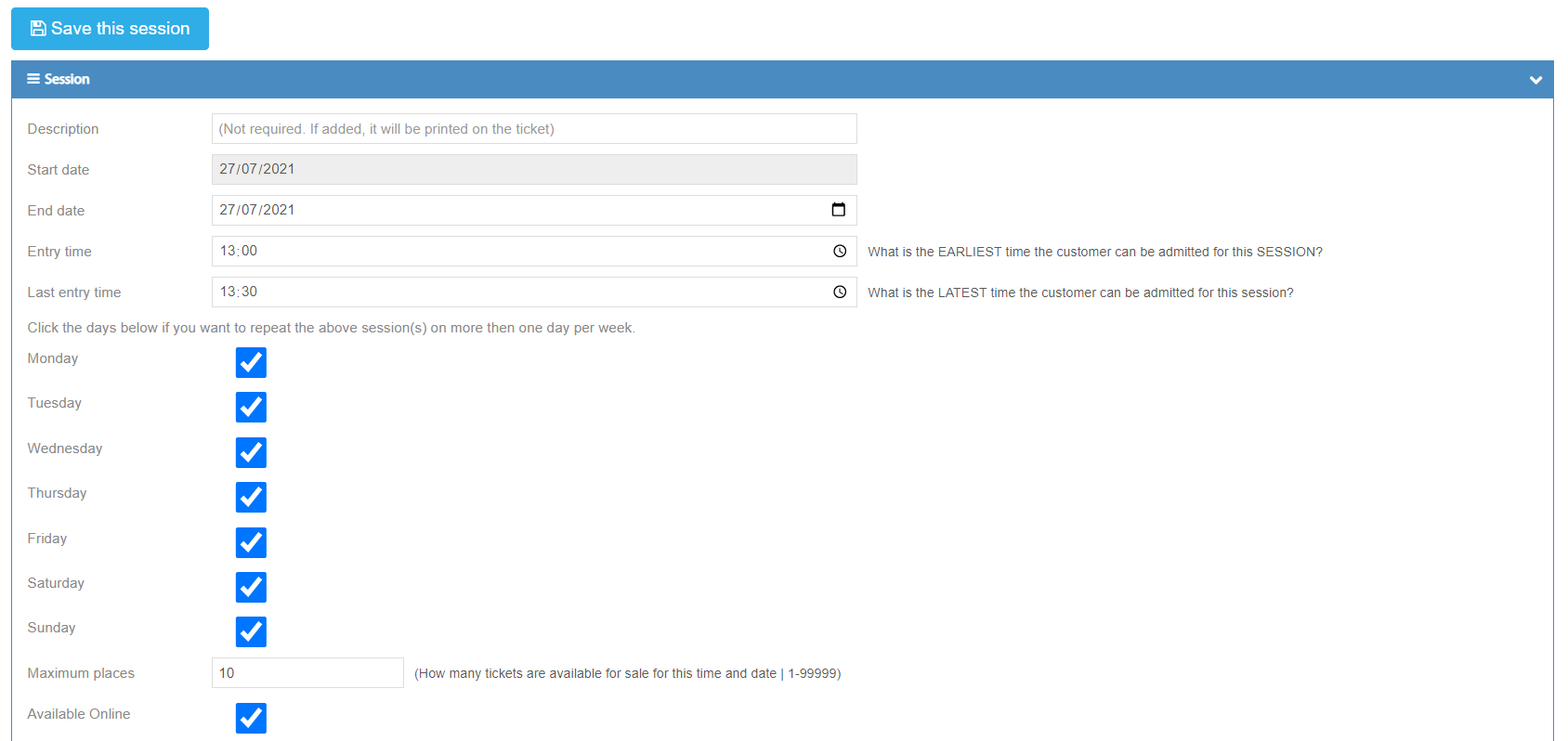 On the 'edit session' page you should see a tick box titled "Available Online" as such:
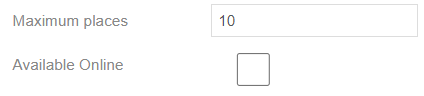
To take the session offline (stop it from appearing online) simply un-tick the 'Available Online' box, as such:
Once you have done this, scroll back up and click: 
After clicking 'Save this session' you will be re-directed back to the 'edit event' page, to confirm that the session was put offline, scroll down to the very bottom of the 'edit event' page and you should see a boxed section titled 'Unavailable Sessions', as such:

In this section, you should find all the sessions of the event you have made unavailable for sale.
That is all you have to do, to remove sessions from selling online.
0 Comments