This is for users with admin access to Merlin Tickets. You can access the admin area by viewing your website (e.g. https://merlindemo.merlintickets.co.uk) then adding /admin to the end of the URL (e.g. https://merlindemo.merlintickets.co.uk/admin)
In this article we will be showing you how to cancel an order made through your .merlintickets website.
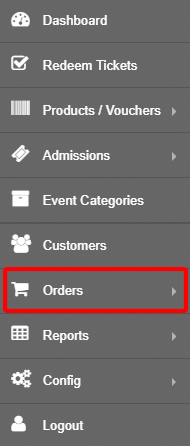
Firstly, you should be logged into the Merlin Online admin area, on the left-hand menu select 'Orders':
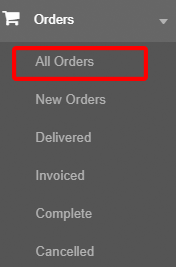
You should now see a drop down menu from the 'Orders' tile, consisting of multiple menus with different information on the orders made so far. For more information on orders, go through this article: How To See Orders Online
In this case, we will be using the 'All Orders':
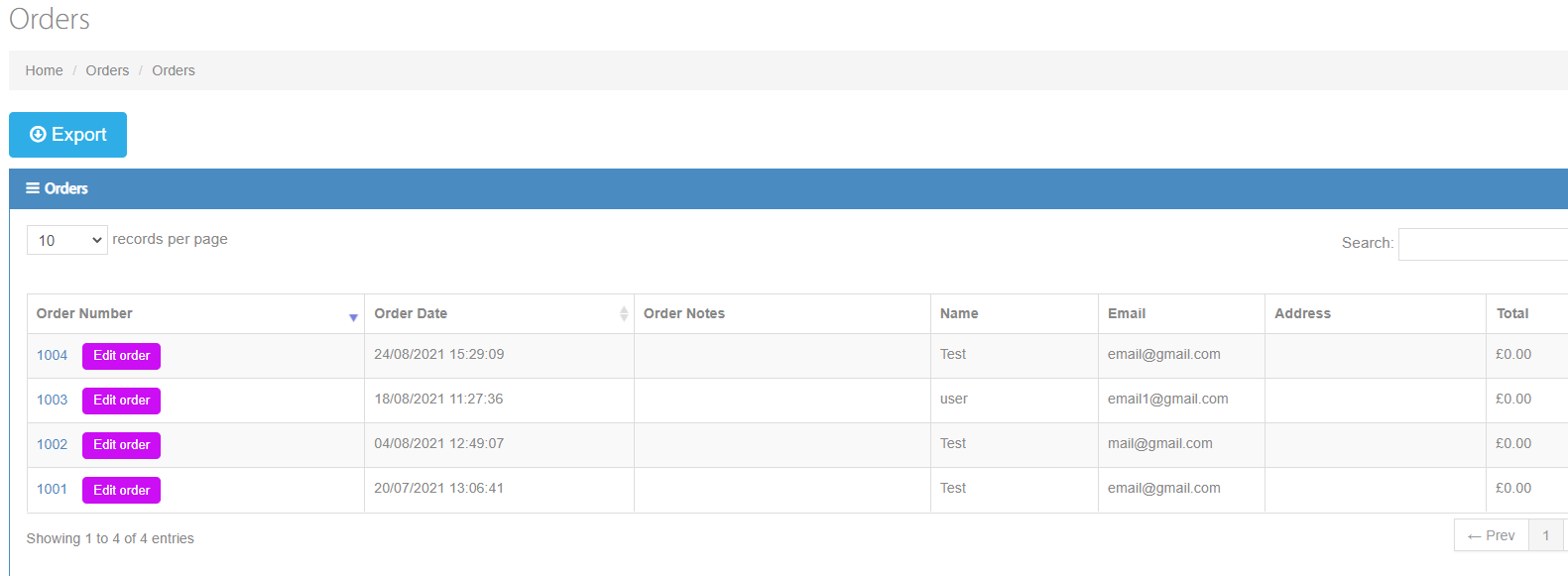
You should be directed to this page:
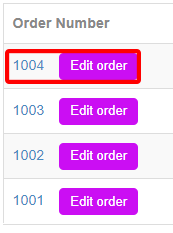
Here, click on the order number, as such:
You should now be directed to the 'edit order' page, which looks like such:
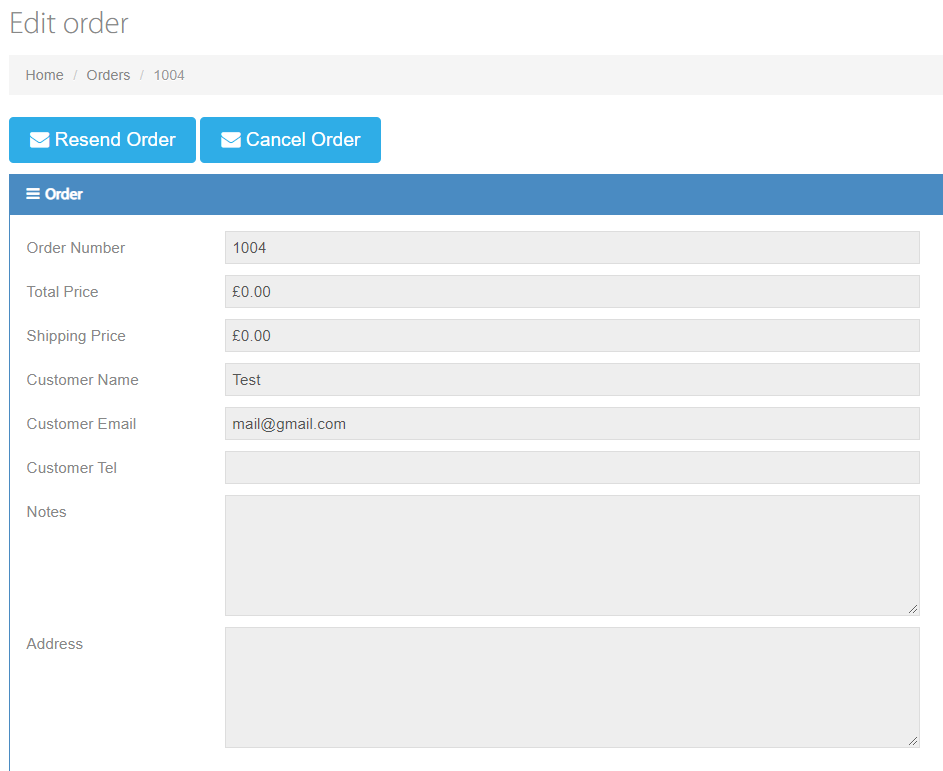
To cancel the order, click the  button.
To be reassured that the order has been cancelled, go to 'Cancelled' in the order drop down menu:
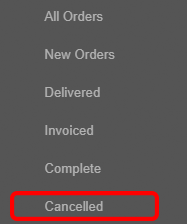
When cancelling an order:
When you cancel one or more of your customers' orders, the headcount those orders initially took from the total headcount of the pool are resent back to that headcount pool. This means that once an order is cancelled, the headcount it took away from the total are put back and available for sale again.
Note: We are the conduit, we do not manage the payments your customers make, those are done through your chosen payment gateway (Stripe, WorldPay, Paymentsense). If you would like to give out a refund to your customers you would have to cancel the order (as shown above) and then access the dashboard of the payment gateway you use. Please also note, most payment gateways take a fee for each payment taken, so it is best that you take that into account when refunding an order (possibly including something in your terms and conditions).
0 Comments